
The Best-Kept Secret in Sourcing
Ask ten interior designers where their sourcing time goes, and most won't say finding the product was the hard part. They'll point to bookmarked vendor sites, screenshots in a camera roll, a price a rep quoted over the phone that only made it onto a sticky note, since lost.
That's the cost of running a firm on separate tools for separate jobs. Every handoff between them is a place for information to slip. Studio Designer, a business management platform used by more than 20,000 design firms, is built around one idea, call it the One Studio approach, connecting sourcing, design, payments, and financials instead of treating them as separate problems. Catalog is where that shows up for sourcing: a searchable trade library built into the platform, taking product discovery straight through to a finished purchase order.
What Catalog Does
The Problem With Searching Like a Consumer
Most product searches start on a vendor's website, a general search engine, or an image feed like Pinterest or Instagram, none of which know you're an interior designer. They mix consumer listings with trade products and offer no way to filter by trade pricing.
A Trade-Only Library, Built In
Studio Designer allows designers to search over 500,000 products from over 250 trade-focused brands, directly on the platform. Every piece is already vetted for the trade.
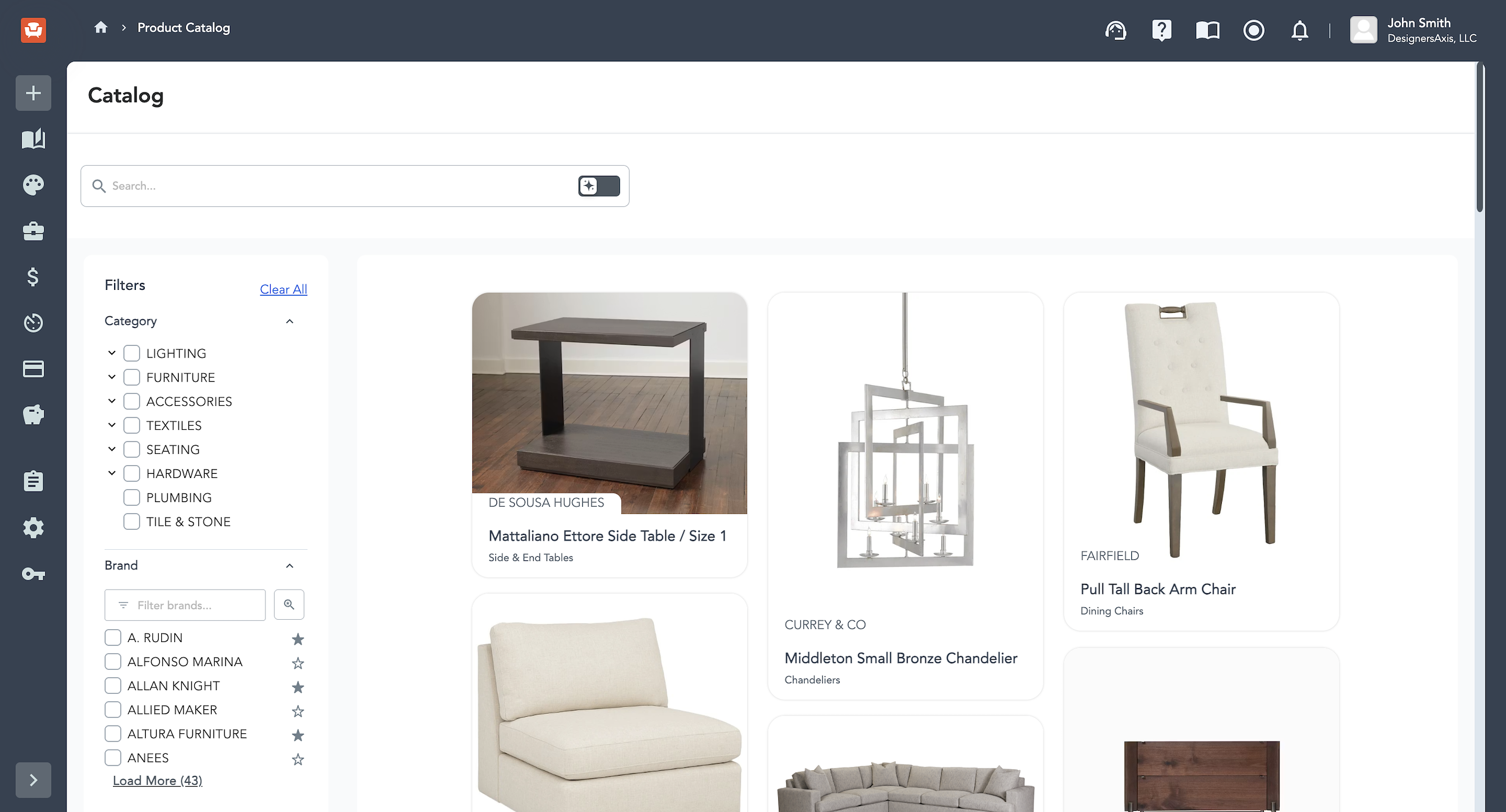
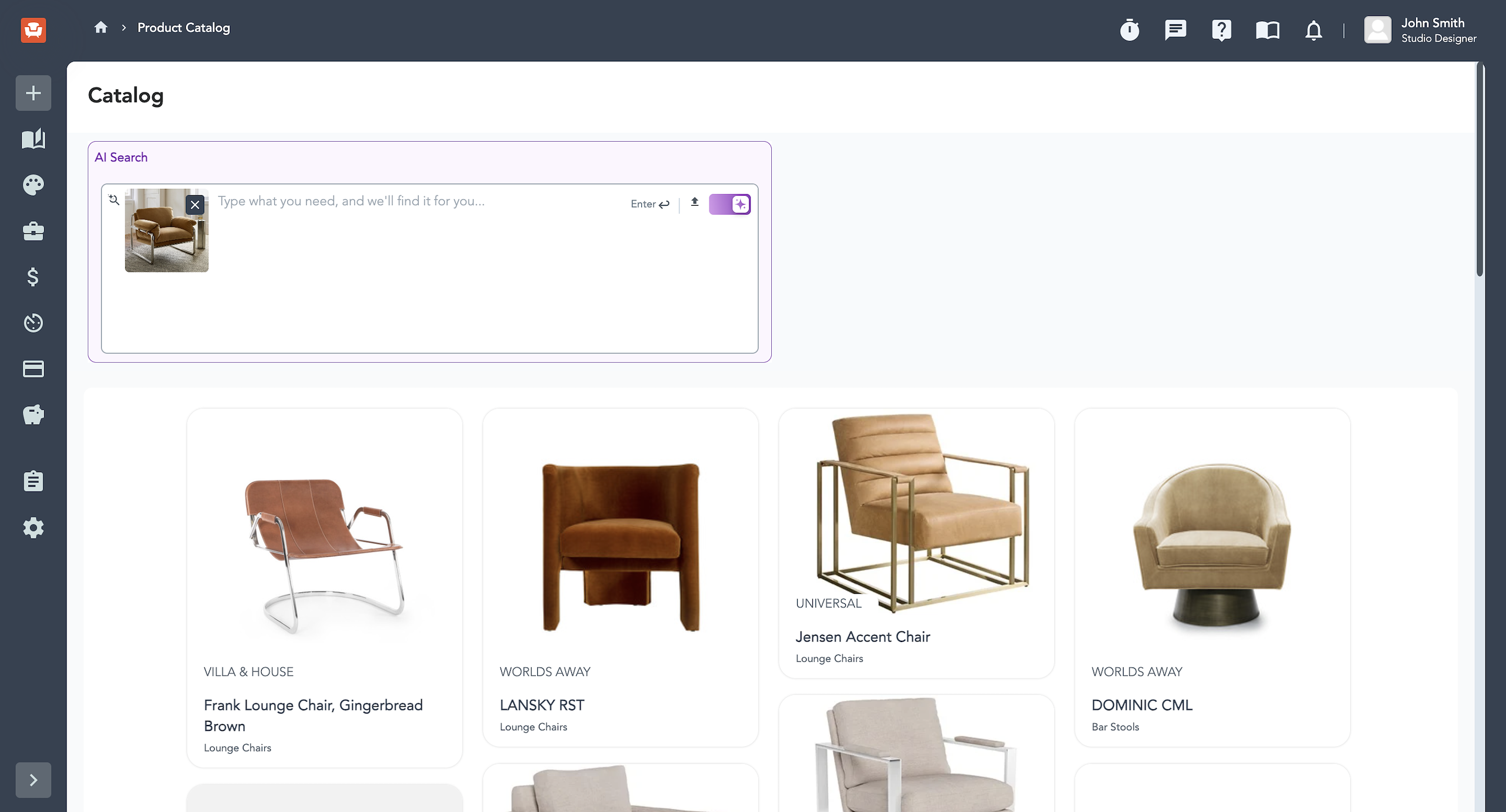
Search follows how designers think, not how a database is organized. Know the exact product? A keyword search gets you there. Not sure yet? Switch on AI-powered search or upload a photo you love and let Catalog surface comparable options.
From Inspiration to Client Yes
Once a piece is found, the next problem is keeping a concept organized and billable on the way to a decision. Ideas pile up across Pinterest boards and email threads, and a showroom trip rarely bills cleanly, since clients push back on "research" line items in a way they don't push back on design hours.
Design Boards Keep the Concept Together
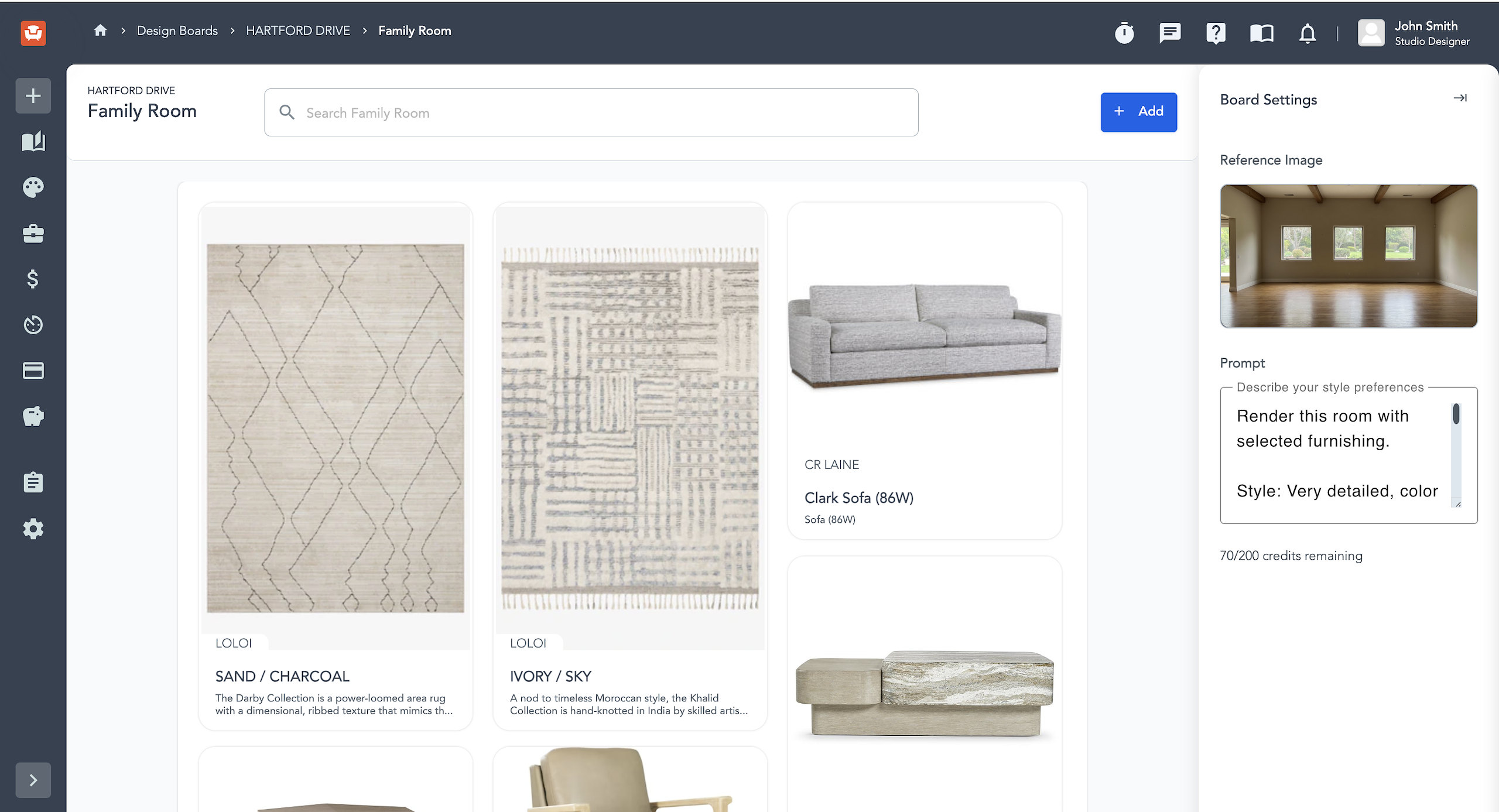
Design Boards solve the organizing half: a place to save pieces you like, arrange a concept room by room, and refine before the board goes near a client.
AI Rendering Closes the Sale
Instead of asking a client to imagine how a sofa or rug will look in their space, you upload a photo of the room, select a rendering style (like photorealistic or watercolor), and Studio Designer generates a mockup using your design board's pieces. With the client's actual room and the actual products proposed, there's nothing left to imagine. A rug or a full furniture layout can go from a line item to something a client reacts to on sight, which shortens the back-and-forth before an approval.

From Ready to Reserved
Once a client signs off, the products on that board are already proposal-ready. Converting one into a project item takes one click, with client, project, vendor, and sales code attached, moving into procurement and accounting with no re-entry. Approvals move faster, since there's no reconciling notes from five sources before a proposal goes out.
Catalog is live for every Studio Designer customer at no additional cost. If sourcing has become the slowest part of your process, this is likely the fix.
Want to see it in action? IDS members get 50% off onboarding plus 20% off their first two months. See how Studio Designer can work for your firm